As Amazon Associates, we earn from qualifying purchases. This means we may receive a small commission at no extra cost to you if you click through and make a purchase.
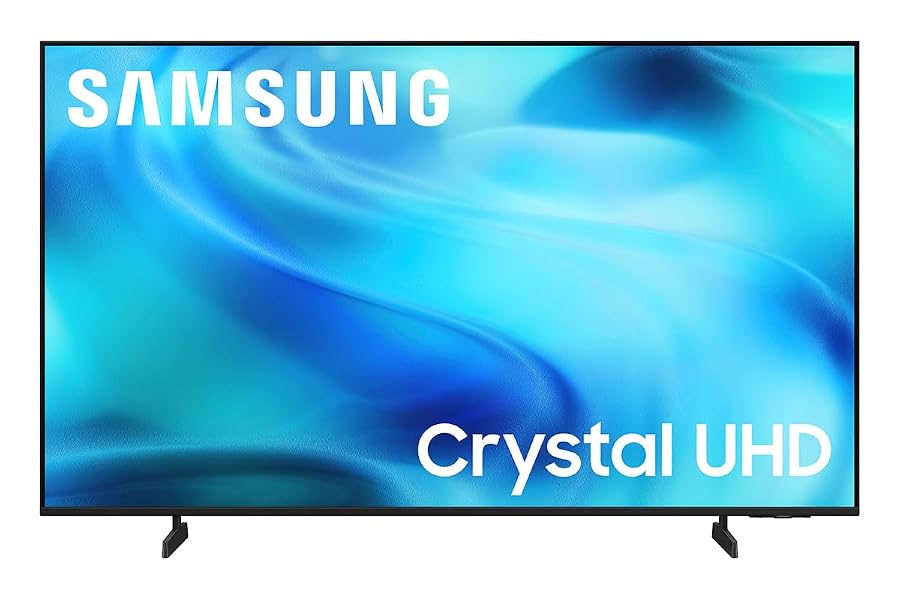
Evaluating a large screen for client playback or studio monitoring often leads creators to consider the Samsung U8000H. Video editors, colorists, and video producers constantly seek reliable displays that mirror what everyday audiences see without requiring the massive budget of a dedicated grading monitor. With its 65-inch LED panel, native 4K resolution, 4000:1 contrast ratio, and Crystal Processor 4K engine, this television represents a popular middle ground for studio suites and media spaces.
This review examines how the television performs in a creator-oriented workflow, exploring color fidelity, brightness limits, motion handling, and physical connectivity. We break down the real-world implications of the display specifications, evaluate its suitability as a client playback screen, and outline what you can expect during daily operation in an edit bay or hybrid entertainment workspace.

What You Get With the Samsung U8000H
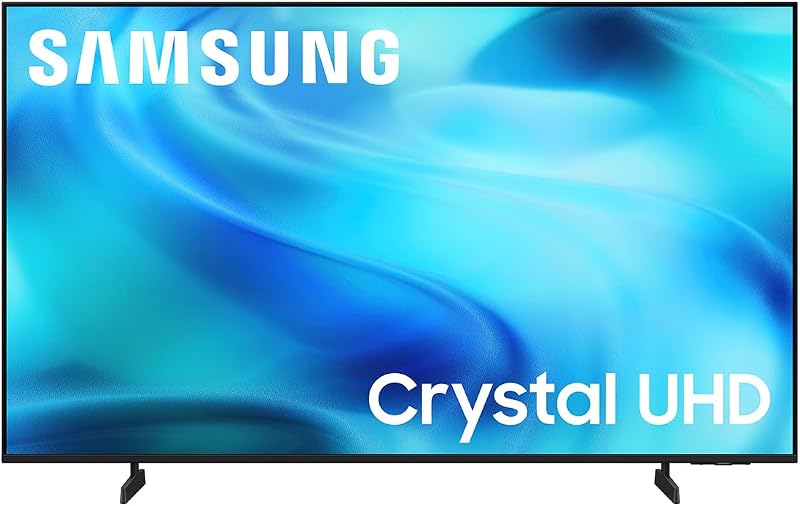
The television package includes the core hardware and software features needed to integrate the display into an edit suite, office, or entertainment setup right out of the box.
- Samsung U8000H 65-inch Class Crystal UHD LED display panel
- Tabletop stand base providing an 8.7-inch installation depth
- Crystal Processor 4K with automated 4K upscaling technology
- Motion Xcelerator real-time frame adjustment engine
- Color Booster saturation and picture enhancement system
- HDR10+ high dynamic range decoding support
- Built-in Amazon Alexa voice control integration
- Samsung TV Plus access with over 2,700 free streaming options and 750+ live channels
- Input connectivity suite supporting HDMI, USB, Ethernet, Wi-Fi, and Bluetooth
Key Specifications
| Specification Attribute | Technical Detail |
|---|---|
| Display Panel Technology | LED |
| Screen Class Size | 65 inches |
| Native Resolution | 4K Ultra HD (16:9 Aspect Ratio) |
| Refresh Rate | 60 Hz |
| Peak Brightness | 300 nit |
| Contrast Ratio | 4000:1 |
| High Dynamic Range | HDR10+ |
| Image Processor | Crystal Processor 4K |
| Motion Enhancement | Motion Xcelerator |
| Physical Dimensions (With Stand) | 56.9 inches W x 34.7 inches H x 8.7 inches D |
| Weight (Without Stand / With Stand) | 31.1 pounds / 31.8 pounds |
| I/O Connectivity | HDMI, USB, Ethernet, Wi-Fi, Bluetooth |
Color Fidelity and Display Brightness for Studio Suites
Color presentation is a primary concern when evaluating any display for production environments. As part of the modern Samsung Crystal UHD U8000H family, the screen features an integrated picture system driven by the Crystal Processor 4K. The display achieves a static contrast ratio of 4000:1, which is a major strength for an LED panel in this category. Deep black levels allow shadow details in narrative films, corporate video interviews, and studio photography to appear distinct rather than washed out into dark gray tones. In controlled lighting environments, this high contrast produces clean visual separation across complex scenes.
Maximum display brightness reaches 300 nit, which places clear boundaries on how the panel should be utilized. While 300 nits provides plenty of illumination for standard dynamic range content in dimly lit or light-controlled edit suites, it does not achieve the high-luminance thresholds necessary for critical HDR mastering. The display supports HDR10+ decoding, allowing you to preview how metadata maps across highlights, but editors working on commercial HDR deliveries should view this as a secondary check rather than a primary grading reference. For standard Rec.709 video editing and web delivery previews, however, 300 nits is comfortable for long editing sessions without causing excessive eye fatigue.
Examining the Samsung U8000H Color Booster performance illustrates how consumer enhancement engines interact with timeline output. Color Booster is designed to intensify color saturation, making reds, blues, and greens appear more vibrant during casual viewing. For video editors, this feature should be calibrated carefully to prevent overly saturated visuals from distorting your grading judgment. When evaluating client cuts directly from portable solid-state storage like the samsung t5 evo plugged into the USB port, disabling aggressive color-boosting modes ensures that you inspect the true tonal balance of your export file.
Motion Handling and Client Playback Latency
Smooth motion rendering is vital when screening fast-moving timeline footage, sports reels, or dynamic camera transitions. The inclusion of Samsung U8000H Motion Xcelerator processing helps mitigate motion artifacts by estimating and adjusting frame transitions in real time. Operating up to 4K at 60Hz, this motion system reduces visual judder across camera pans and rapid subject movements, ensuring that clients seated on the studio couch experience clean playback without distraction.
Understanding the native 60 hertz refresh rate is essential for video professionals. Because standard cinema timelines run at 24 frames per second, documentary work at 30 fps, and high-motion online content at 60 fps, a 60Hz panel provides sufficient bandwidth to display standard video formats accurately. While high-end gaming displays reach 120Hz or 144Hz, standard television broadcast and streaming pipelines remain firmly anchored at 60Hz or lower. Editors should verify that motion-smoothing settings are configured correctly when playing 24p timelines to preserve natural cinematic cadence rather than introducing unwanted artificial frame generation.
In terms of signal latency, the 60Hz panel provides responsive feedback when scrubbing through timelines or navigating editing software interfaces. Connecting your editing machine directly via HDMI sends a reliable 4K 60Hz video feed that keeps audio and video in sync. Whether reviewing rough cuts with a director or checking title sequence animations, the panel delivers consistent frame pacing that mirrors real-world consumer displays.
Studio Integration and Physical Connectivity
Integrating a 65-inch screen into a functional workspace requires flexible physical connectivity and smart deployment options. The U8000H includes HDMI inputs, a USB media port, an Ethernet jack, Wi-Fi networking, and Bluetooth wireless audio. When editing complex multicam projects on a high-performance workstation equipped with a fast internal drive like the 9100 pro 1tb, you can easily run an HDMI cable straight to the television to serve as a dedicated full-screen preview monitor alongside your primary desktop displays.
One notable operational detail involves account requirements. According to the manufacturer documentation, a Samsung account is required to access network-based smart television services, streaming applications, and cloud-based features. However, external device connections—such as direct video feeds routed over HDMI—remain accessible without logging into a Samsung account. This means editors who prefer an air-gapped studio setup or who want to bypass smart-hub menus can use the screen purely as an offline external monitor without setting up network accounts.
Physical mounting is straightforward thanks to the panel’s balanced dimensions and light weight. Without its stand, the TV weighs only 31.1 pounds with dimensions of 56.9 inches wide by 34.7 inches high. Adding the included tabletop stand increases the depth to 8.7 inches and total weight to 31.8 pounds. The light chassis makes it easy to mount the unit to standard VESA wall brackets or articulating studio arms, freeing up valuable credenza surface area in crowded edit suites.
Workspace Ergonomics and Multi-Display Setup
Choosing screen size is a balancing act between viewing distance and physical room dimensions. While smaller screens like the samsung uhdtv 55 6 series fit compact corner desks or tight vocal booths, a 65-inch display commands attention in larger creative suites. Positioned six to eight feet away from the client seating area, the 65-inch panel provides an expansive canvas where graphic layouts, lower thirds, and subtitling details can be reviewed simultaneously by multiple team members.
Assessing how the Samsung Crystal Processor 4K quality handles detail reveals noticeable advantages when reviewing varied source media. The internal engine features automated 4K upscaling that clarifies lower-resolution footage, such as 1080p proxy files or archival b-roll. When working on projects containing mixed media formats, the upscaler ensures that lower-resolution assets integrate smoothly into 4K timelines without showing blocky compression artifacts on the large screen.
Audio integration also plays an important role in daily studio usability. The built-in Bluetooth connectivity allows editors to route audio output directly to wireless headphones for private late-night review sessions without disturbing adjacent office spaces. For group playback, the television can easily be paired with dedicated external sound bars or studio monitors via its available audio connections, bypassing basic built-in speakers in favor of a full-frequency acoustic setup.
Check Samsung U8000H on Amazon
Is the Samsung U8000H Worth It
Determining whether the Samsung U8000H fits your setup depends entirely on your primary intended use. For independent creators, vloggers, and production studios looking for a large client playback screen, this television offers practical value. The combination of native 4K resolution, an impressive 4000:1 contrast ratio, and dependable 60Hz frame pacing provides a reliable, accurate reflection of how finished video projects will look in the homes of typical viewers.
When asking is 9 series samsung tv worth it for creative media work, realistic expectations regarding brightness and refresh rate are essential. With a peak brightness capped at 300 nits and a refresh rate limited to 60Hz, this display cannot replace specialized mastering panels required for Tier-1 HDR grading or high-refresh gaming production. Professional colorists will still need dedicated reference hardware for mastering, using this panel as a client-facing confidence monitor rather than a primary tool for technical color adjustments.
For hybrid users who want an expansive display that transitions seamlessly from an edit bay preview monitor during the workday to an entertainment hub in the evening, the screen delivers strong versatility. With built-in Alexa, extensive streaming options through Samsung TV Plus, and convenient wall-mounting dimensions, it serves as a competent, multi-role display for modern creative studios.
FAQ
Does the Samsung U8000H support 120Hz playback for gaming or high-frame-rate video?
No, the listing specifies a native refresh rate of 60 hertz. The Motion Xcelerator technology enhances frame transitions up to 4K at 60Hz, making it ideal for standard video workflows, broadcast viewing, and 60fps console playback, but it does not support native 120Hz output.
Can the Samsung U8000H be operated without creating a Samsung account?
Yes, external hardware connections such as HDMI video inputs and over-the-air television tuners function without logging in. A Samsung account is only mandatory if you wish to use network-based smart features, downloadable apps, and streaming platforms.
Is the 300 nit brightness level enough for professional HDR color grading?
A maximum brightness of 300 nits is well suited for standard dynamic range (SDR) editing in controlled lighting, but it falls short of the luminance required for dedicated HDR mastering. While it decodes HDR10+ signals, it should be treated as a consumer reference display rather than a grading monitor.
What physical ports are provided on the Samsung U8000H?
The display includes HDMI, USB, and Ethernet ports for physical connections, alongside built-in Wi-Fi and Bluetooth for wireless device integration and audio streaming.
How does the Crystal Processor 4K upscale lower-resolution media?
The Crystal Processor 4K analyzes incoming video signals in real time, sharpening edges and optimizing contrast to display 1080p and standard HD video files with enhanced clarity on the 4K panel.


