As Amazon Associates, we earn from qualifying purchases. This means we may receive a small commission at no extra cost to you if you click through and make a purchase.
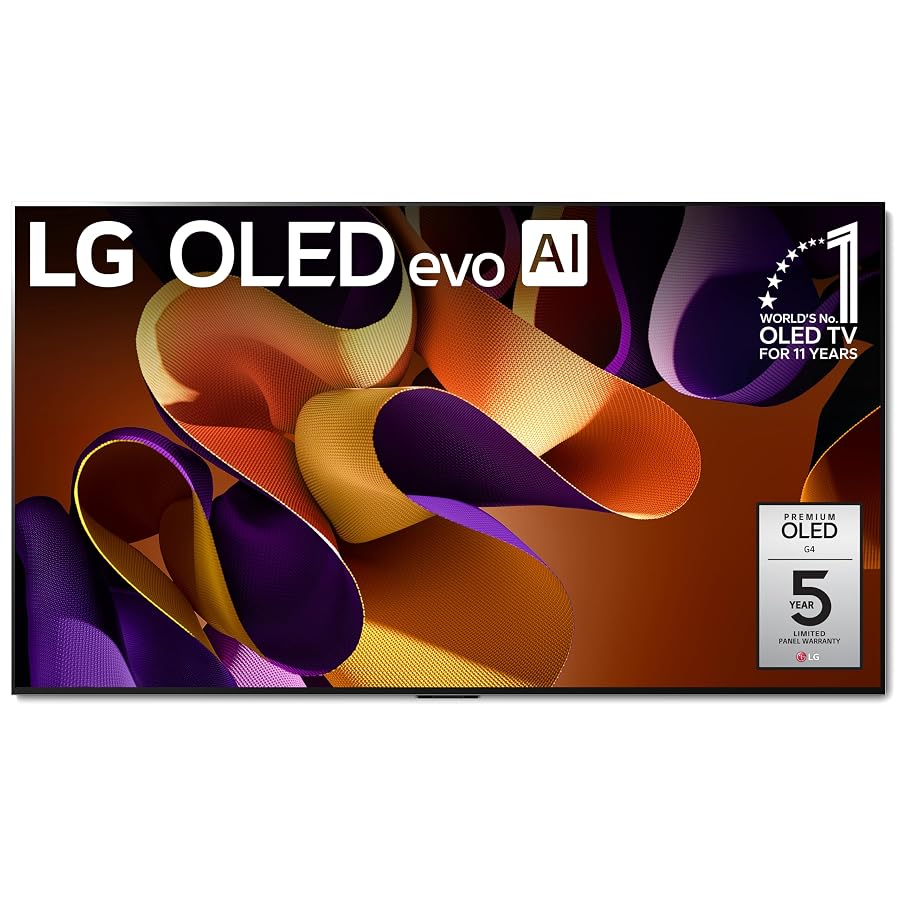
For media creators, video editors, and production houses building out a high-end screening room, selecting an ultra-large display requires balancing panel uniformness, color integrity, and peak brightness. The LG G4 83 represents the flagship tier of the 2024 OLED lineup, combining self-lit pixel precision with an expansive diagonal footprint designed for critical monitoring and client presentations. Understanding how this particular 83-inch panel fits into your creative pipeline helps determine whether its large scale delivers measurable productivity gains or simply overwhelms your working distance.
This thorough lg g4 83 oled review breaks down every technical aspect that matters to visual professionals and demanding hobbyists. We examine how the updated panel architecture, advanced image processing, and flush mounting structure perform across rigorous editing sessions and presentation setups. From color volume behavior to timeline navigation and ambient room performance, the following evaluation details what you should anticipate when deploying this reference-grade display in your production studio.

What You Get With the LG G4 83
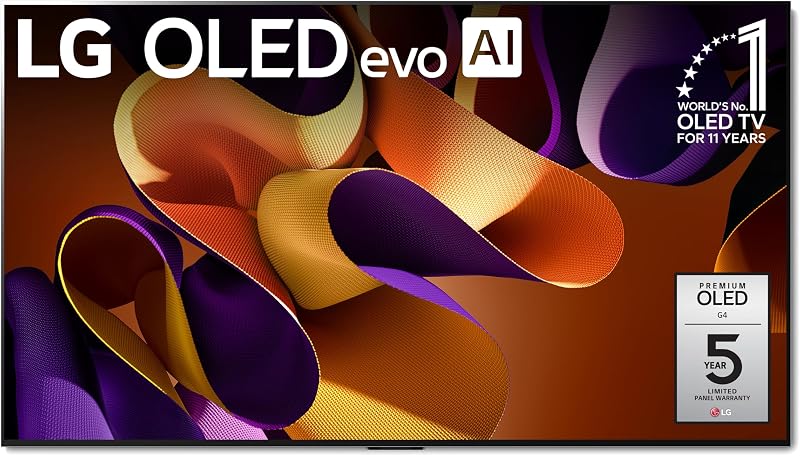
The LG G4 83 package focuses on seamless architectural installation and flagship display engineering, packaging the panel with the hardware necessary for an immediate flush wall presentation.
- LG OLED83G4WUA 83-inch 4K flat display panel with self-lit pixel technology
- Brightness Booster Max hardware and algorithmic panel luminance enhancement
- a11 AI Processor 4K featuring AI Picture Pro, AI Super Upscaling, and AI Director Processing
- One Wall Design flush mounting bracket for zero-gap wall placement
- Magic Remote with voice recognition and Alexa built-in control features
- Dolby Vision, HDR10, HLG, and Filmmaker Mode native support
- Dolby Atmos audio processing capabilities
- webOS 24 operating system with 5-year webOS Re:New Program support
- Multi View functionality supporting up to four split screens simultaneously
- Access to over 300 free channels via LG Channels and Quick Cards app grouping
Key Specifications
| Specification | Detail |
|---|---|
| Screen Size | 83 Inches Diagonal |
| Display Technology | Direct LED Self-Luminous OLED with Pixel Dimming |
| Native Resolution | 4K Ultra HD (3840 x 2160) |
| Refresh Rate | 120Hz Native |
| Response Time | 0.1 Milliseconds |
| Contrast Ratio | Infinite:1 |
| Image Processing Engine | a11 AI Processor 4K |
| High Dynamic Range Formats | Dolby Vision, HDR10, HLG |
| Viewing Angle | 170 Degrees |
| TV Dimensions Without Stand | 72.7 Inches x 41.6 Inches x 1.1 Inches |
Luminance and Color Precision in Controlled Studio Environments
Achieving uncompromising color fidelity on an ultra-large screen has historically presented challenges, but the lg oled83g4wua display features establish a robust foundation for studio mastery. The self-lit pixel architecture ensures that each individual point of light can turn off completely, yielding true infinite contrast without the backlight haloing common on conventional local dimming panels. With 100% Color Volume and 100% Color Fidelity reported across the spectrum, creative editors can evaluate chromatic saturation, skin tones, and shadow gradation with absolute confidence during color grading sessions.
The implementation of lg g4 83 brightness booster max provides a noticeable leap in panel driving power, producing up to 150% brighter images compared to traditional OLEDs. This boost eliminates the dimness that once restricted OLED displays to pitch-black grading suites. Creators working in hybrid production spaces with ambient daylight can now maintain critical eye comfort and accurate tonal perception without washing out subtle highlights. While smaller supplemental monitors like the corsair xeneon edge provide dedicated auxiliary telemetry, the G4 acts as the authoritative master visual anchor.
Evaluating lg g4 83 color accuracy reveals tight compliance with creative standards, reinforced by dedicated picture modes such as Filmmaker Mode. When viewing master cut exports, this mode disables aggressive motion interpolation and unneeded sharpening, letting filmmakers inspect footage exactly as rendered. Combined with comprehensive support for Dolby Vision, HDR10, and HLG, the display handles complex high-dynamic-range color spaces without manual gamma mapping distortions.
The LG G4 83 for Video Editing and Studio Timelines
Integrating the lg g4 83 for video editing alters the daily timeline workflow by offering an expansive 83-inch digital canvas. Editors managing complex non-linear editing sequences benefit directly from the 0.1-millisecond response time and 120Hz native refresh rate. Playhead scrubbing remains fluid, eliminating trailing or ghosting artifacts across high-frame-rate timelines and fast-paced motion graphics cuts. Whether driven by a desktop editing station powered by an efficient CPU like the ryzen 5 5600 or a dedicated colorist console, playback tracking feels instantaneous.
Under the hood, the lg g4 a11 ai processor manages real-time picture adjustments through AI Picture Pro, AI Super Upscaling, and AI Director Processing. In a professional production pipeline, these algorithms can intelligently upscale legacy 1080p archival assets to match the native 4K canvas without generating ringing artifacts around sharp vector lines. For editors who need unadulterated output, processing parameters can be customized or bypassed to inspect raw sensor feeds directly from cinema cameras.
Multi-tasking efficiency is further elevated by the integrated Multi View functionality, which allows creators to split the massive screen into up to four distinct displays. An editor can output a clean 4K preview monitor on one sector, review raw video files on another, keep a script reference open, and monitor live streaming software feeds simultaneously. This capability consolidates multiple desktop monitors into a unified lg g4 83 studio workflow without cluttering the editing suite with cable bundles and separate mounting arms.
Studio Ergonomics and Flush Wall Mounting Considerations
Physical installation is a primary factor when planning for an 83-inch monitor, and the lg g4 83 wall mount system addresses this through the One Wall Design. LG includes a specialized slim wall bracket engineered to sink directly into the recessed channel on the rear of the panel, leaving virtually no gap between the display and the drywall. Measuring 72.7 inches wide, 41.6 inches high, and only 1.1 inches deep, the panel sits flat against studio walls like a framed piece of architectural art.
The flush physical profile carries distinct operational advantages for studio layout planning. Traditional deep stands or cantilevered arms consume valuable floor clearance and create awkward sightlines in compact editing suites. By resting flush against the wall, the G4 keeps the workspace clear and open, creating optimal focal distances for desk arrangements. For mobile editors connecting via a laptop like the asus rog strix g16, docking into this wall-mounted display yields an immediate, distraction-free screening room environment.
Collaborative viewing is also reinforced by the panel’s 170-degree viewing angle. In commercial production facilities where clients, sound designers, and directors gather around the editing suite, wide off-axis viewing ensures uniform brightness and saturation from any seat in the room. When active editing concludes, the built-in art and photo gallery features allow the unit to showcase project storyboards or high-resolution stills, blending seamlessly into modern studio decor.
Is the LG G4 83 Worth It
Determining whether the lg g4 83 is worth it comes down to your studio footprint, client presentation requirements, and reliance on pristine OLED contrast. For high-end creative agencies, commercial post-production houses, and directors who need a dual-purpose master grading screen and client screening monitor, the combination of Brightness Booster Max, infinite contrast, and the a11 AI Processor provides immense long-term utility. The guaranteed five years of system upgrades through the webOS Re:New Program also ensures continued software support across changing studio setups.
Conversely, solo creators working in compact bedrooms or desk spaces under six feet wide will find an 83-inch diagonal display excessively large for near-field monitoring. Additionally, because the package includes a flush wall bracket rather than a traditional tabletop stand, buyers who cannot drill into walls or who prefer desktop placement will need to budget for compatible aftermarket VESA hardware. For users seeking a dedicated ultra-wide desktop display rather than an expansive screening wall, smaller dedicated workspace monitors remain more practical.
Ultimately, if your creative workflow commands a massive 4K visual reference with peerless black levels, wide viewing angles, and enough brightness to thrive in ambient light, the LG G4 83 stands out as a premier studio centerpiece that bridges the gap between client entertainment and professional monitoring.
FAQ
Does the LG G4 83 include a tabletop stand in the box?
No, the listing specifies that the LG G4 83 includes a slim One Wall Design wall bracket designed for a virtually gapless flush wall mount. If your studio setup requires placing the display on a desktop or media credenza, you will need to procure a compatible third-party stand or mount separately.
How does Brightness Booster Max benefit video editing in lit rooms?
Brightness Booster Max magnifies pixel brightness by up to 150% compared to standard OLED panels, mitigating the ambient light reflections and washed-out highlights that can affect creative suites during daylight hours. This allows editors to grade SDR and HDR content accurately without darkening the entire room.
Can the LG G4 83 display multiple video inputs simultaneously?
Yes, the display features Multi View functionality that supports up to four split screens. This feature enables editors to view playback video, reference scopes, secondary timeline monitors, or client feedback documents on a single panel at the same time.
What HDR standards are supported by the OLED83G4WUA?
The display supports Dolby Vision, HDR10, and HLG (Hybrid Log-Gamma). It also includes Filmmaker Mode, which automatically maintains native aspect ratios, frame rates, and color profiles by disabling unwanted smoothing filters.
What are the physical dimensions of the LG G4 83 without a stand?
The panel measures 72.7 inches wide by 41.6 inches high by 1.1 inches deep. When factoring in the packaging and standard profile specifications, the overall item dimensions are 72.72 inches wide by 41.61 inches high by 12.6 inches deep.


