
As Amazon Associates, we earn from qualifying purchases. This means we may receive a small commission at no extra cost to you if you click through and make a purchase.
Choosing the right operating system license is one of the most critical foundational choices when assembling a dedicated content creation workstation. If you are configuring a custom rig for 4K video rendering, motion graphics, or complex audio engineering, securing the Microsoft Windows 11 Retail edition is widely considered the smartest long-term investment. Unlike restrictive system-builder licenses that lock permanently to your initial motherboard, the full packaged product provides the long-term hardware flexibility demanded by creative professionals who regularly upgrade components. This boxed release includes physical installation media on a dedicated USB flash drive, ensuring you have an authentic, self-contained setup environment ready whenever you build or refresh your workstation.
Understanding what sets the windows 11 retail version apart from standard pre-installed copies comes down to licensing rights, physical media convenience, and native workspace productivity tools. In this review, we examine the practical benefits of the boxed USB package, analyze how license transferability safeguards your hardware investments, and explore built-in workflow features like snap layouts and multi-monitor docking memory. Whether you are assembling a brand-new editing suite or transitioning an existing studio setup, this guide covers everything you need to know about its features, specifications, and day-to-day creative utility.
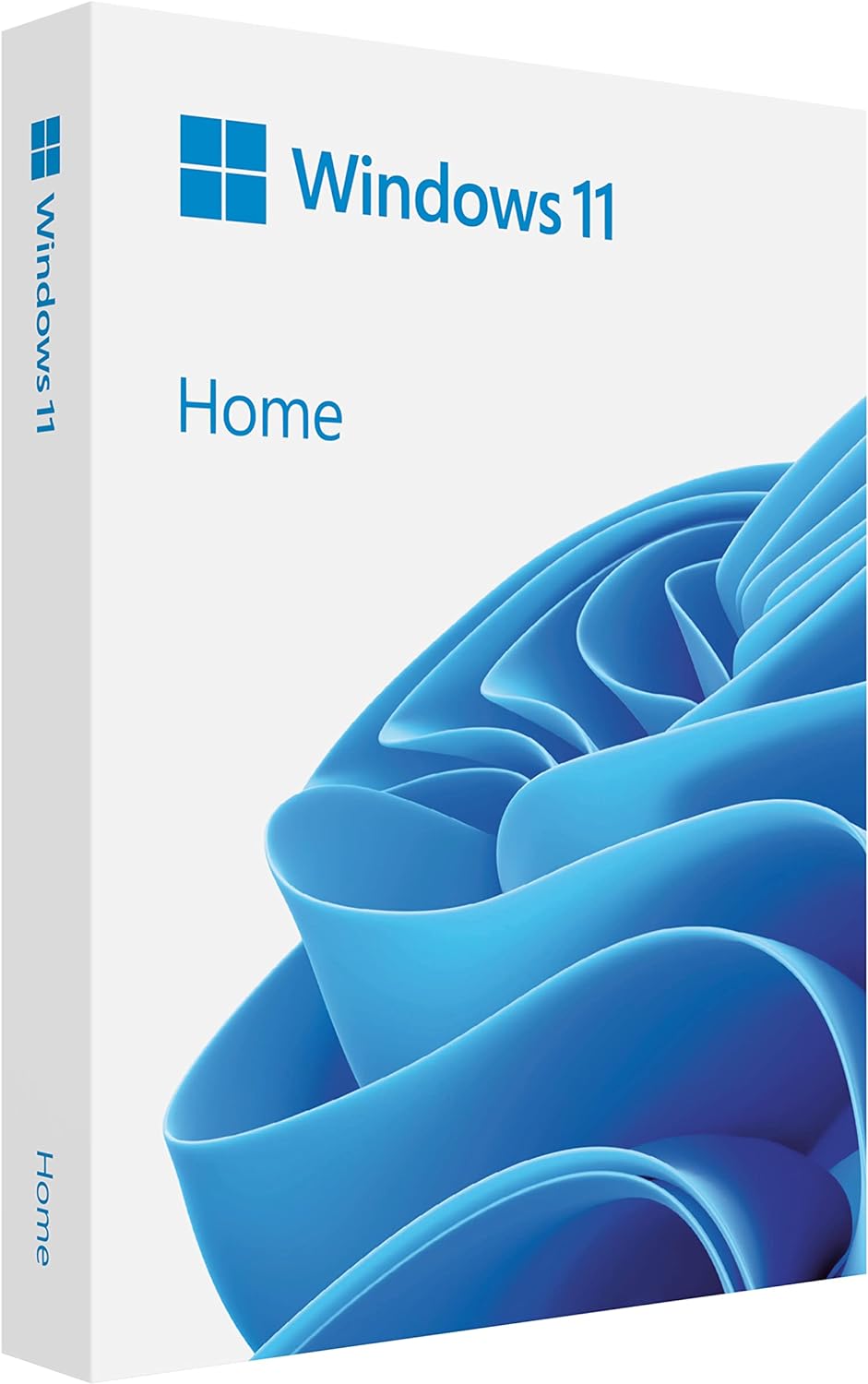
What You Get With the Microsoft Windows 11 Retail

The physical retail edition arrives as a complete boxed kit created for PC builders who want an offline installer alongside a transferable license key. Instead of requiring you to locate a secondary computer and prepare a third-party thumb drive, the package delivers official installation assets directly from the manufacturer.
- Full Packaged Product boxed retail license for a single workstation
- Physical USB flash drive loaded with complete installation media
- Refreshed interface design centered around reducing visual clutter
- Advanced biometric logins and encrypted authentication security
- Built-in advanced antivirus defenses protecting against cyberthreats
- Snap layouts and multi-desktop workspaces designed for multitasking
- Seamless redocking intelligence that preserves monitor arrangements
- Native Microsoft Teams integration anchored directly to the taskbar
- Customizable desktop widgets for news, calendar, and system updates
Key Specifications
Reviewing the windows 11 retail specs ensures you understand the physical media dimensions and core features bundled into this specific boxed product before starting your assembly.
| Specification Attribute | Listing Detail |
|---|---|
| Product Distribution | Full Packaged Product (FPP) retail boxed version |
| Installation Media | Physical USB flash drive |
| Manufacturer | Microsoft Software |
| Item Model Number | HAJ-00108 |
| Product Dimensions | 5.7 x 4.5 x 0.9 inches |
| Item Weight | 0.2 ounces |
| Authentication Support | Biometric logins and encrypted authentication |
| System Security | Advanced antivirus defenses included |
| Window Management | Snap layouts, multiple desktops, and seamless redocking |
| Integrated Services | Taskbar widgets and Microsoft Teams integration |
License Transferability Across Custom Rig Upgrades
The most important consideration when comparing options is the fundamental divide in the windows 11 retail vs oem debate. An OEM license is strictly tied to the very first motherboard on which it is activated. The moment you replace that board due to a component failure, a socket upgrade, or a complete motherboard generational refresh, the OEM key permanently expires. For digital creators who treat their workstations as evolving platforms, having an operating system license expire during an intermediate hardware refresh creates unnecessary expense and administrative delays.
Opting for the windows 11 retail usb package eliminates this problem through authentic windows 11 fpp license transfer rights. As a Full Packaged Product, this retail key belongs to you rather than the physical motherboard. If you transition your editing workflow to a faster chipset, migrate your rendering setup to a roomier chassis, or construct an entirely new workstation from scratch, you have the legal right to transfer the operating system to your new rig. Deactivating the license on the retired computer frees the key to activate your updated build without hassle.
This level of ownership mobility is fundamentally different from mass-market portable computers such as an hp 15.6 inch fhd ips touch windows 11 laptop amd ryzen 7 7730u 16gb ram 512gb ssd natural silver, where the factory operating system remains tied to that specific chassis for its entire lifespan. For video editors and animators who continuously modify their desktop towers with upgraded processors and faster storage interfaces, the retail license protects your software investment across multiple hardware generations.
Workspace Organization and Multi-Display Editing
Video editors and digital content creators routinely manage an enormous number of simultaneous applications, including non-linear editors, digital audio workstations, color grading suites, web browsers, and media bins. The windows 11 snap layouts for creators offer an immediate boost in screen organization by providing pre-configured tiling templates. By hovering over any maximize button or pressing dedicated keyboard shortcuts, you can drop open programs into side-by-side splits, three-column arrangements, or balanced four-corner grids without manual window resizing.
In addition to organized screen tiling, the operating system solves one of the most frustrating aspects of multi-monitor production: display disconnection chaos. Windows 11 includes seamless redocking intelligence that memorizes the exact positions of your open windows on external screens. When you power down a color grading monitor or disconnect an auxiliary display, your workspace does not devolve into a stacked pile of disorganized windows on your primary screen. Once you power the second display back on, every software palette, bin, and timeline panel returns precisely to its assigned monitor.
Virtual desktops add another layer of productivity by letting you partition unrelated creative tasks into separate virtual environments. You can maintain one desktop exclusively for timeline editing, another for rendering queues and asset downloads, and a third for script writing and client communication. While compact devices like the lenovo legion go z1 extreme show how flexible modern operating systems are across portable form factors, having these advanced window management tools on a multi-screen workstation provides unprecedented command over your creative workspace.
Physical Media Setup and System Security
The inclusion of physical installation media makes the initial windows 11 usb installation completely frictionless, especially when bringing up a brand-new desktop computer that lacks an existing operating system. Instead of spending time downloading software tools and formatting personal flash drives on an auxiliary computer, you can plug the included retail USB drive directly into your new machine. The setup wizard boots immediately from the drive, walking you through partition creation and operating system configuration in a clean, straightforward sequence.
Data security is an essential consideration for creative professionals handling commercial video footage, audio master tracks, and unreleased client assets. The retail edition features hardware-integrated security protocols, including biometric logins and encrypted authentication. By pairing these features with supported webcams or fingerprint readers, you ensure that only authorized personnel can log into your production workstation and access confidential project drives.
Alongside user authentication, the operating system provides advanced antivirus defenses that monitor your system in real time without causing export performance drops. The security software operates quietly in the background, identifying malicious scripts, infected downloads, and unauthorized system modifications while letting resource-intensive rendering software run unhindered. Even unconventional form factors like the dual-screen lenovo yoga book with windows rely on this unified security core to keep creative work protected against modern digital threats.
Day-to-Day Editing Workflow and System Overhead
When you spend eight to ten hours a day inside creative software, user interface design directly affects mental fatigue. Deploying windows 11 for video editing delivers a centered taskbar layout and clean visual aesthetics designed to create a calmer, less cluttered editing environment. The simplified menus and refined visual styling keep secondary system utilities out of the way, allowing you to focus your attention entirely on video preview windows, timeline clips, and audio meters.
Collaboration tools are integrated directly into the desktop environment through taskbar-accessible Microsoft Teams. If you work with remote editors, directors, or voiceover artists, you can initiate a communication session or screen share with a single click. In addition, desktop widgets provide glanceable access to calendars, weather reports, and custom feeds. For editors who demand an uncompromisingly minimalist workstation, these widgets and taskbar shortcuts can be easily turned off, leaving your desktop pristine and completely dedicated to high-performance editing applications.
Under the hood, Windows 11 features efficient thread scheduling designed to optimize multi-core processor performance. The operating system intelligently prioritizes heavy compute tasks like timeline scrubbing and video exports on high-performance processor cores, while auxiliary background routines are handled by efficiency cores. This architecture minimizes stuttering during playback, maintains smooth performance across demanding effects plugins, and ensures your creative workstation delivers reliable stability during intensive export jobs.
Check Microsoft Windows 11 Retail on Amazon
Is the Microsoft Windows 11 Retail Worth It
Deciding if this retail package aligns with your needs comes down to whether you build your own PCs and expect to upgrade them over time. If you are building a custom creative editing rig from individual components, the retail version is an outstanding choice that pays dividends over the lifespan of your studio. The peace of mind that comes with official license transferability, combined with the physical convenience of having a dedicated USB installation drive in the box, makes it vastly superior to restrictive OEM alternatives.
On the other hand, if you are purchasing a complete, pre-built workstation or a commercial laptop from a major computer brand, purchasing a separate boxed retail edition is entirely unnecessary because those machines include pre-activated licenses from the factory. Likewise, if you never intend to swap motherboards or build a new desktop system in the future, the transfer rights included with the retail edition will provide little added utility.
For custom workstation builders, independent filmmakers, and audio creators who want full autonomy over their hardware configuration, this boxed edition delivers unmatched reliability. You receive a fully supported, authentic operating system license that moves with you from one build to the next, backed by comprehensive window management tools that keep complex creative projects neatly organized.
FAQ
What is the difference between Windows 11 retail and OEM versions?
An OEM license is permanently tied to the original motherboard on which it is installed, preventing you from transferring the license to a newly built computer. The retail version is a Full Packaged Product license that allows you to deactivate the software on an old machine and transfer it to a new workstation build whenever you upgrade your hardware.
Can I transfer this Windows 11 retail USB license to a new PC later?
Yes, you can transfer your retail license to another computer. While the operating system can only be actively used on one personal computer at a time, Microsoft retail terms allow you to move the license to a replacement motherboard or an entirely new custom workstation build.
Does the retail box include physical installation media?
Yes, the retail package includes an official physical USB flash drive containing the complete operating system installer. This allows you to perform an offline clean install directly on a freshly assembled computer without downloading disk images or preparing boot drives on another machine.
How do snap layouts benefit video editors and creators?
Snap layouts allow creators to quickly organize multiple open windows into structured screen zones. Video editors can easily position a primary timeline alongside script documents, file directories, and color grading scopes without manual window resizing, maximizing screen real estate across single or multi-monitor setups.
What security features are included with Microsoft Windows 11 Retail?
The operating system features hardware-integrated security tools including biometric logins, encrypted authentication protocols, and advanced antivirus defenses. These features protect client media and sensitive project files from unauthorized access and cyberthreats without slowing down heavy rendering pipelines.


